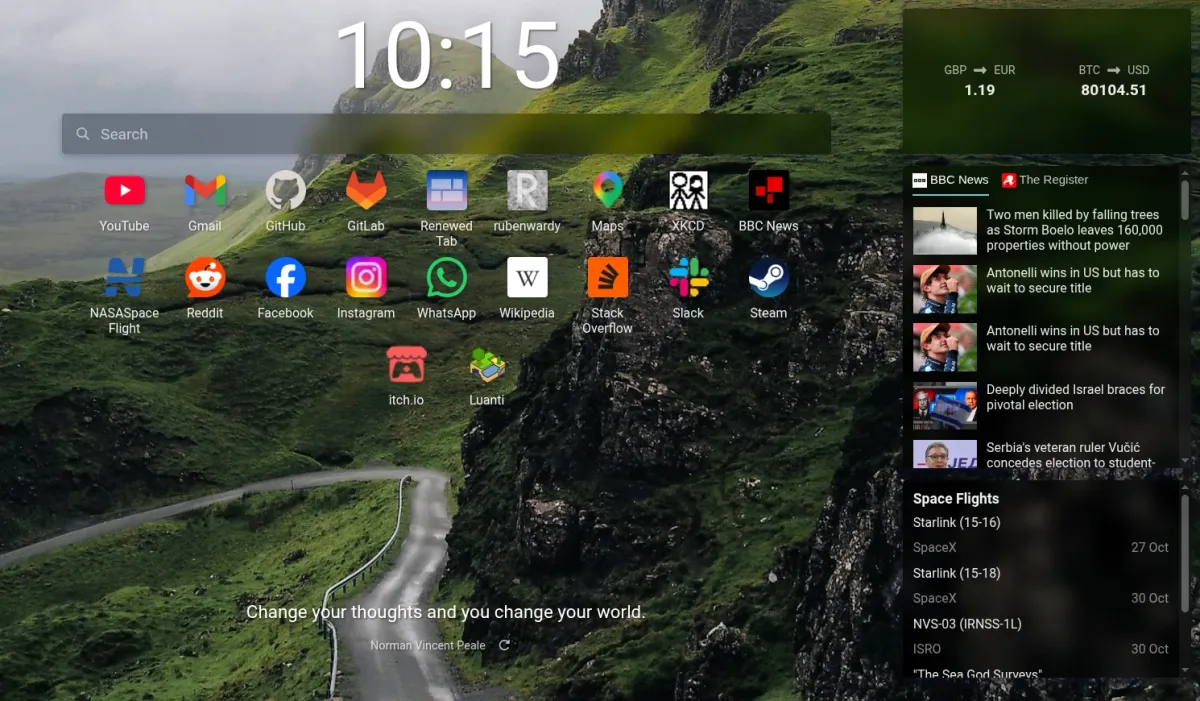
Renewed Tab 1.23 released!
0 min read (218 words)This update includes custom website icons, bookmark folder selection, multiple background images, and more.
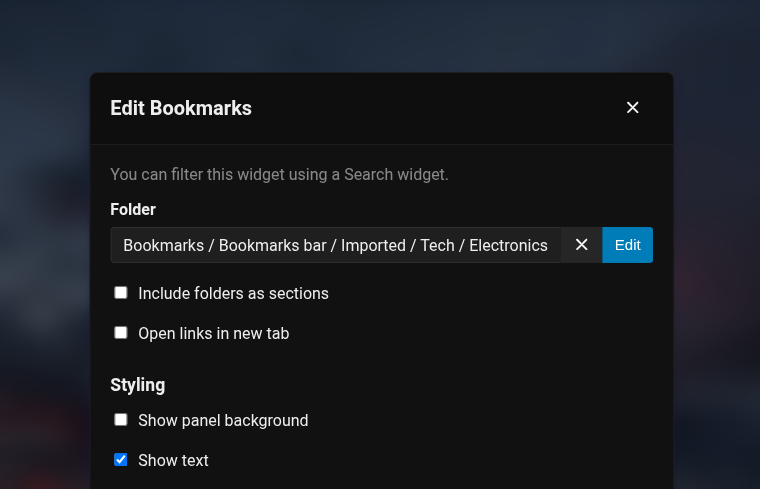
Select a bookmarks folder
You can now choose which bookmarks folder the Bookmarks widget shows, rather than always showing the bookmarks bar.
Custom website icons
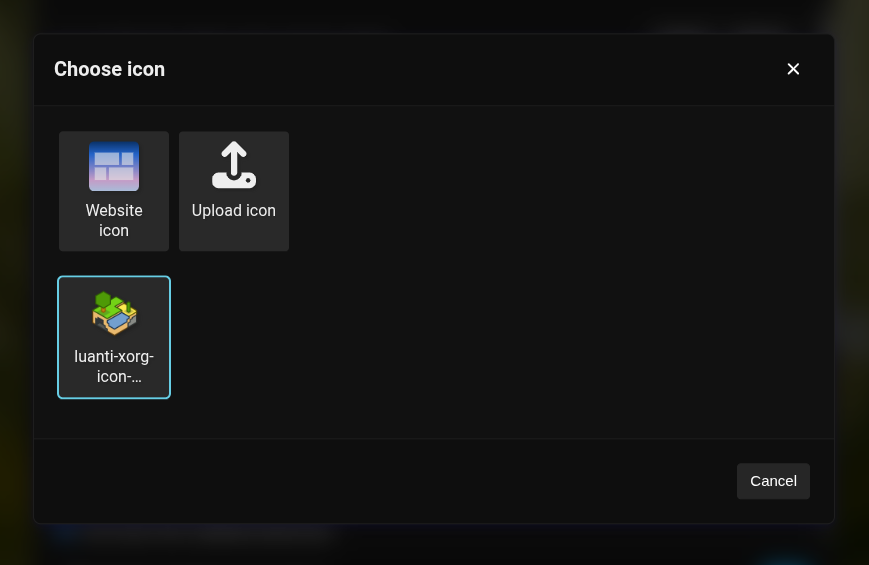
It’s now easier to change the icon of a bookmark or top site. Unlock the page, hover over the link, and click the pencil to choose a new icon. You can choose to use the website’s icon or upload your own. The Links and Button widgets also have a new icon picker, which replaces the old custom icon URL field. You can see all your custom website icons in the settings.
Multiple background images
You can now upload multiple images to use as your background.
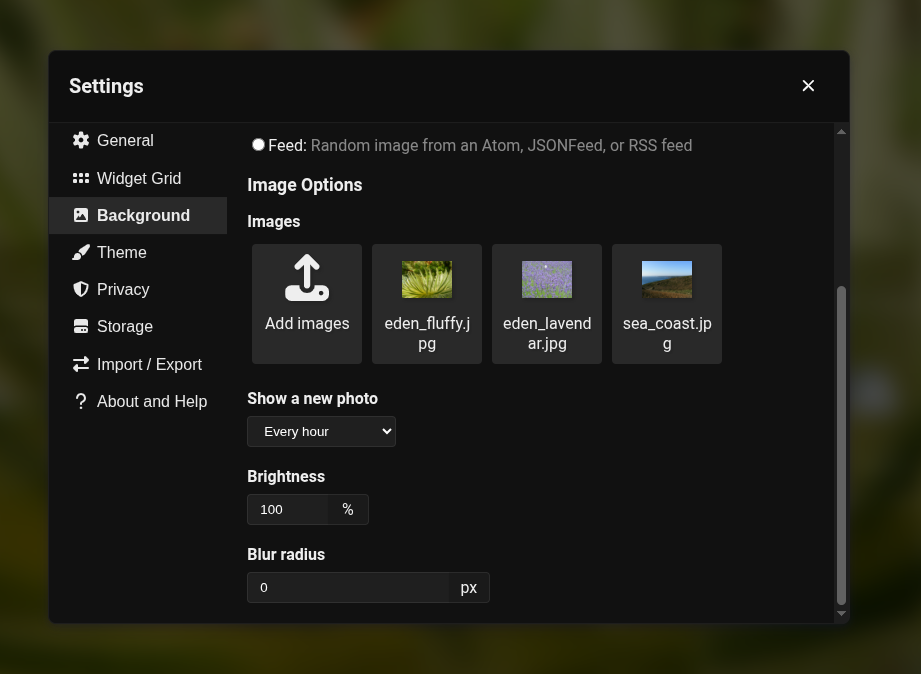
Image backgrounds also have a new size setting, allowing you to fill the screen, fit the whole image, stretch it, or show it at its original size.
Better handling of large images
Uploaded images are now resized and compressed better, so they take up less storage space. As well as letting users upload more images, this will also improve performance.