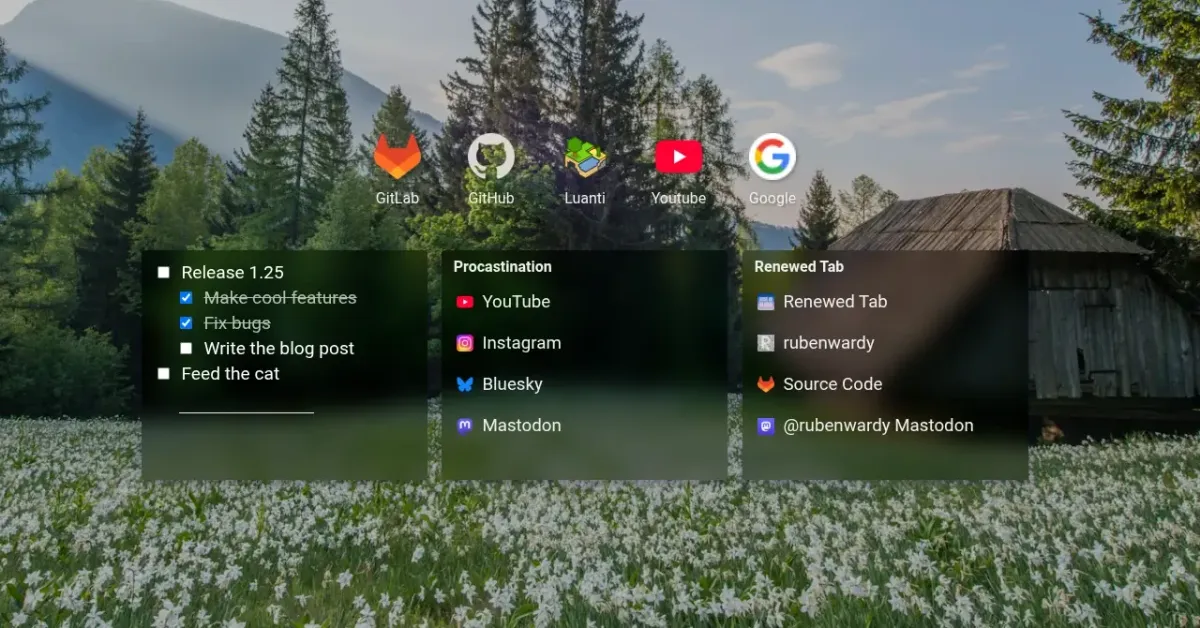
Renewed Tab 1.25: editable top sites and nested to-do lists
1 min read (245 words)This update includes pinned and removable top sites, nested to-do lists, a way to keep a background photo you like, and more.
Add, pin, and remove top sites
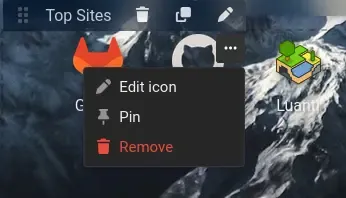
You can now pin sites in the Top Sites widget so they’re always shown first, and remove sites you don’t want to see. Hover over a site and click the “…” button to pin, unpin, or remove it.
You can also now add custom sites in the Top Sites widget’s settings.
Nested to-do lists
The To-do list widget now supports sub-tasks. Press Tab to indent an item and Shift+Tab to outdent it. You can also drag items to reorder them.
Keep a background photo
If you see a background photo you like, you can now keep it. Hover over the photo’s credits in the bottom-left of the screen and click the pin icon. Your background will be set to that image so it stops changing.
Titles for link widgets
The Links, Bookmarks, and Top Sites widgets now have an optional title, shown at the top of the widget.
Drag to reorder
Lists in widget and background settings, such as the links in the Links widget, can now be reordered by dragging, replacing the old move up and down buttons.
Bug fixes / maintenance
- Fixed 12/24 hour time in clocks (0PM)
- Fixed data urls being blocked by local icon fetcher
- Increased min Chrome version to 123
- Increased proxy feed limit to 5MB