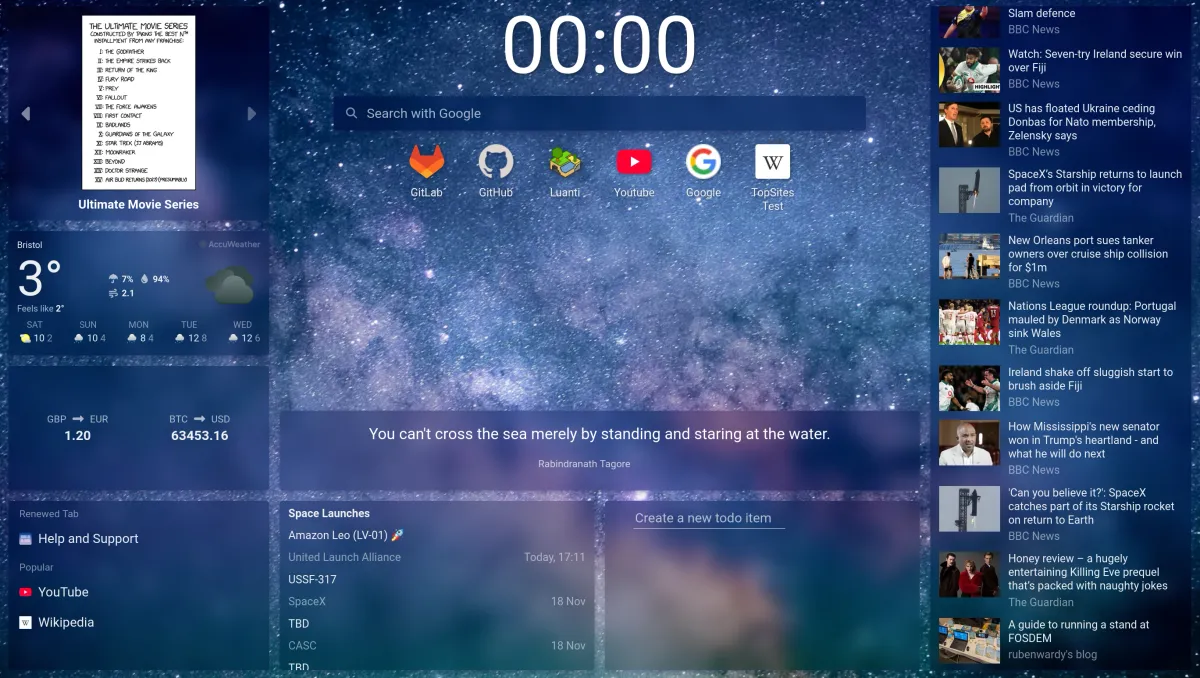
Renewed Tab 1.26: background collections and full page layouts
1 min read (296 words)This update includes background photo collections, a quick way to switch between centered and full page layouts, a better mix of articles in news feeds, and more.
Background collections
You can now choose which kinds of photos are used for your curated background. There are eight collections to choose from:
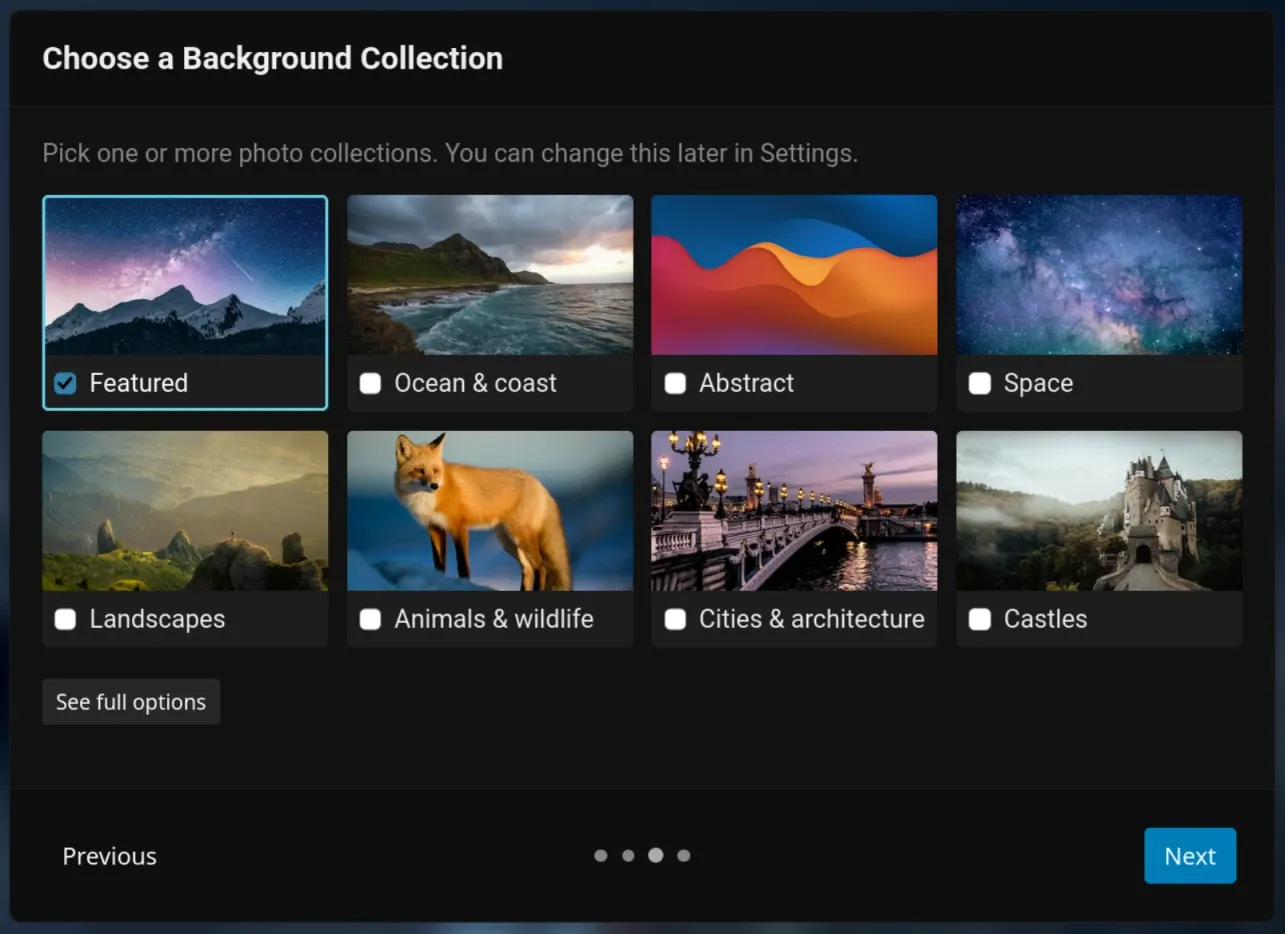
Pick as many as you like. To change your collections, go to Settings > Background.
Place widgets anywhere with full page mode
Renewed Tab has supported full page mode for a while, but it’s had some issues that have made it harder to use. These issues have now been fixed.
To improve discoverability, the edit bar now allows you to switch between centered and full page modes:
A better mix of articles in feeds
The Feed widget used to sort articles by date alone. This meant that a busy news site could push out every article from a blog that only posts once a week.
Articles are now ranked so that sources which post less often still get a chance to be seen, whilst newer articles are still shown first.
Bug fixes / maintenance
- Fixed the background credits covering widgets in full page layouts
- Fixed hovering over the background credits hiding widgets whilst editing
- Fixed AccuWeather links opening with different temperature units to the Weather widget
- Fixed the link menu sometimes closing straight after opening
- Added a warning when trying to embed YouTube in the IFrame widget, as YouTube doesn’t allow embedding in extensions
- Improved IFrame widget sandboxing
- Time format is now based on your browser’s region, rather than the language you’ve selected. There’s also a more prominent selector in the Clock’s settings.
- Top sites / links menus only appear in edit mode now.